Your satisfaction is our priority. 100% refund policy within 5 days!



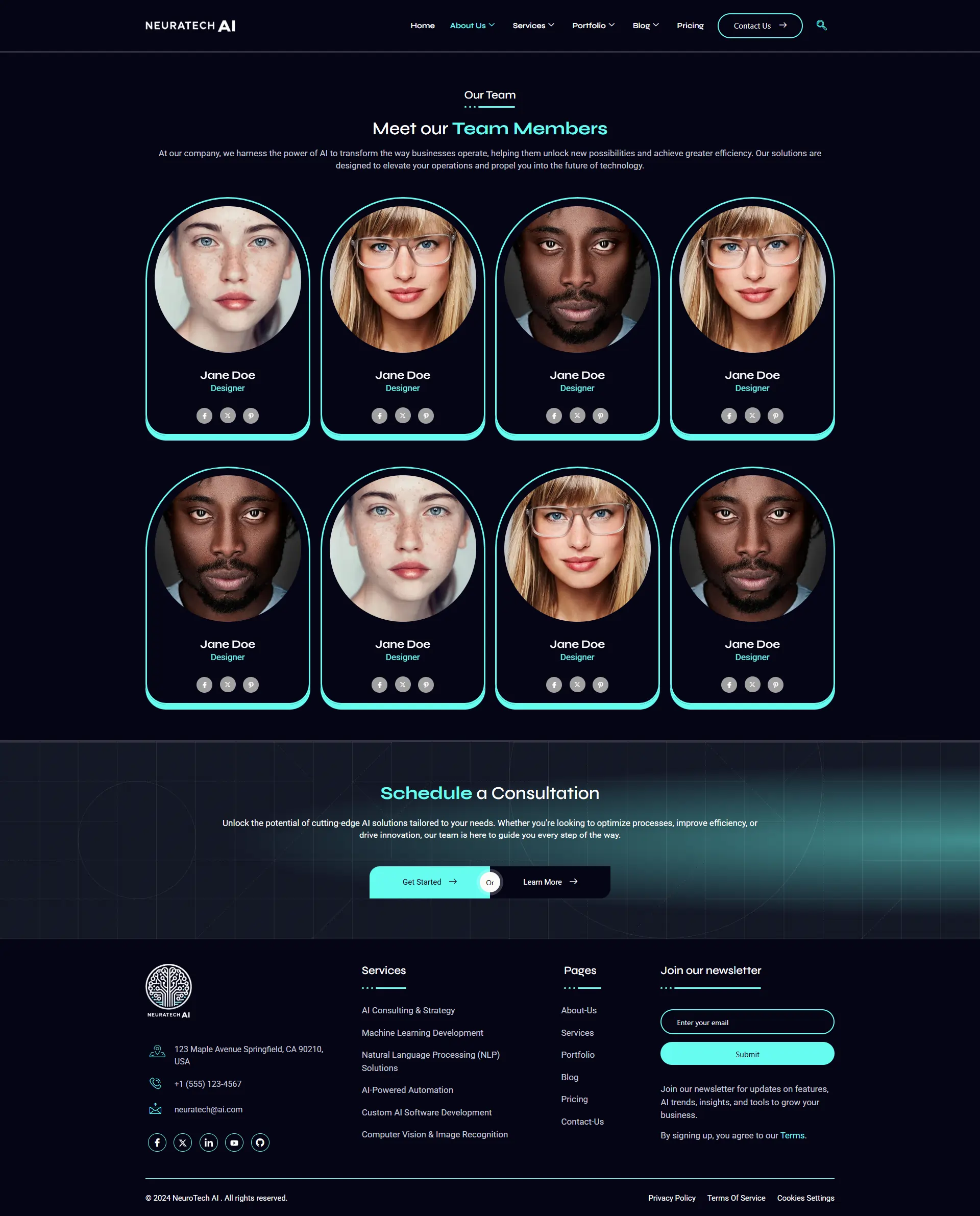
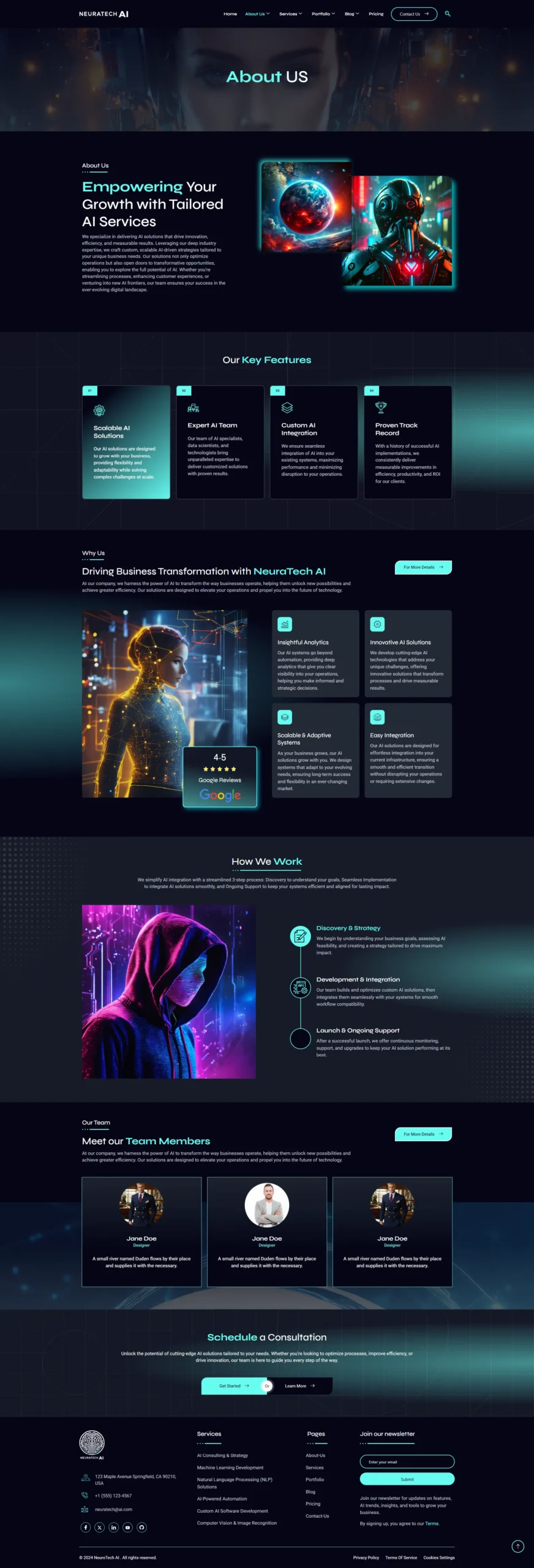
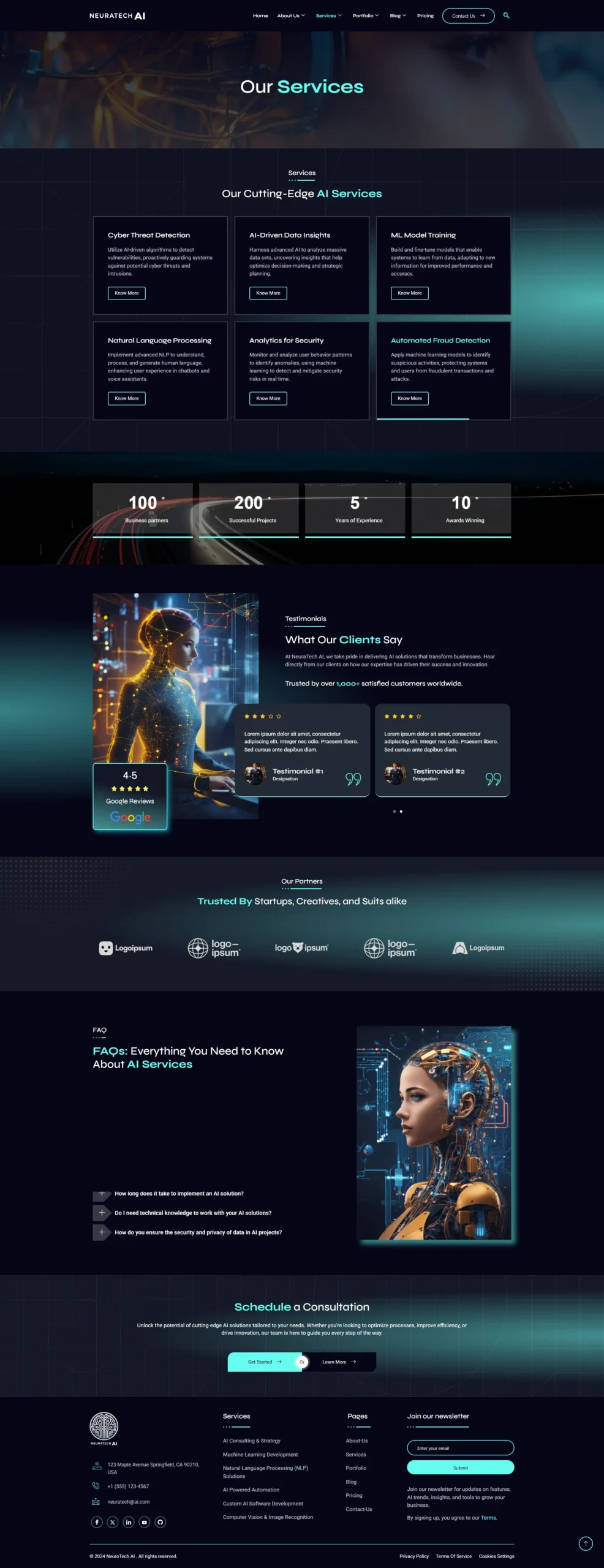
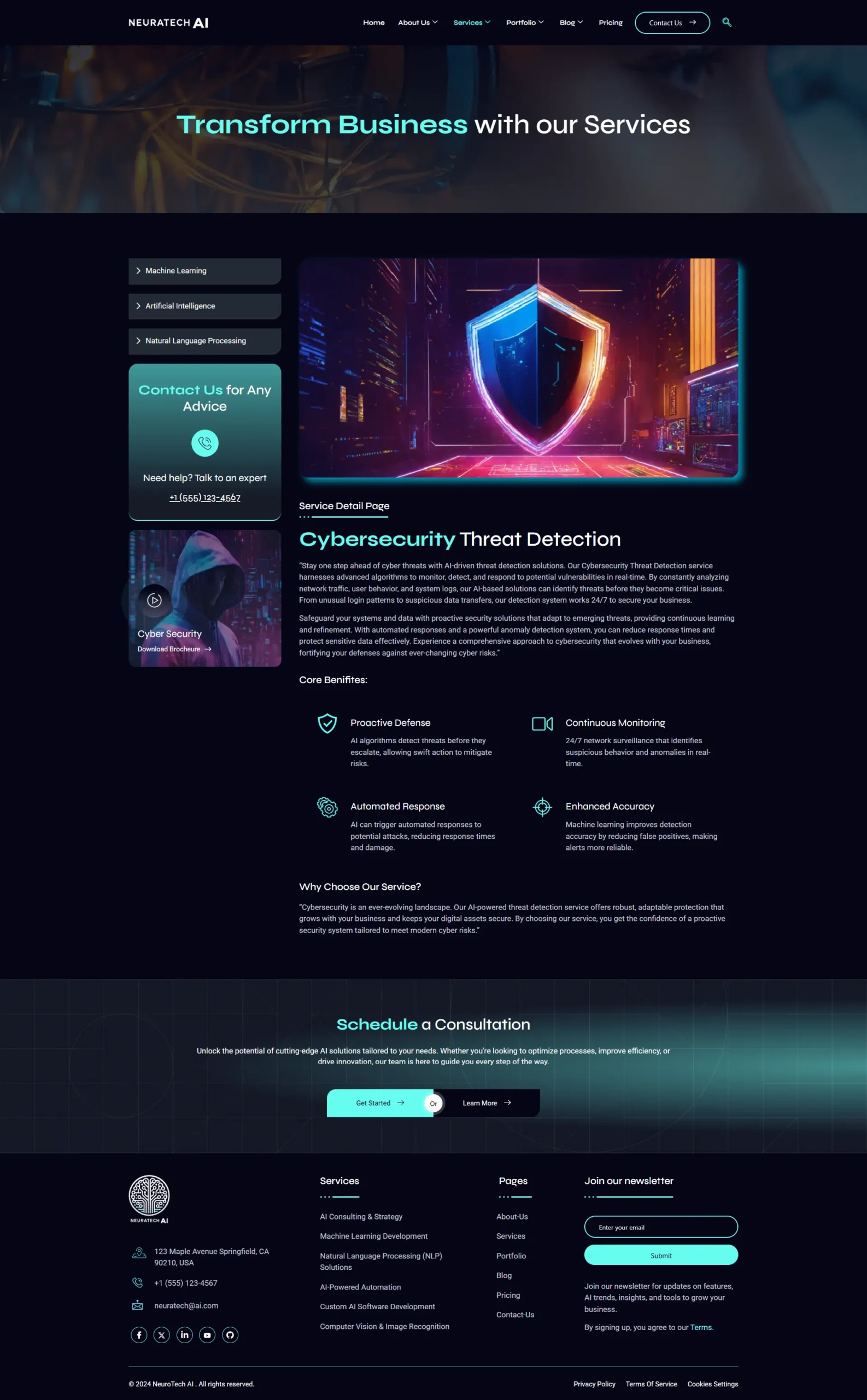
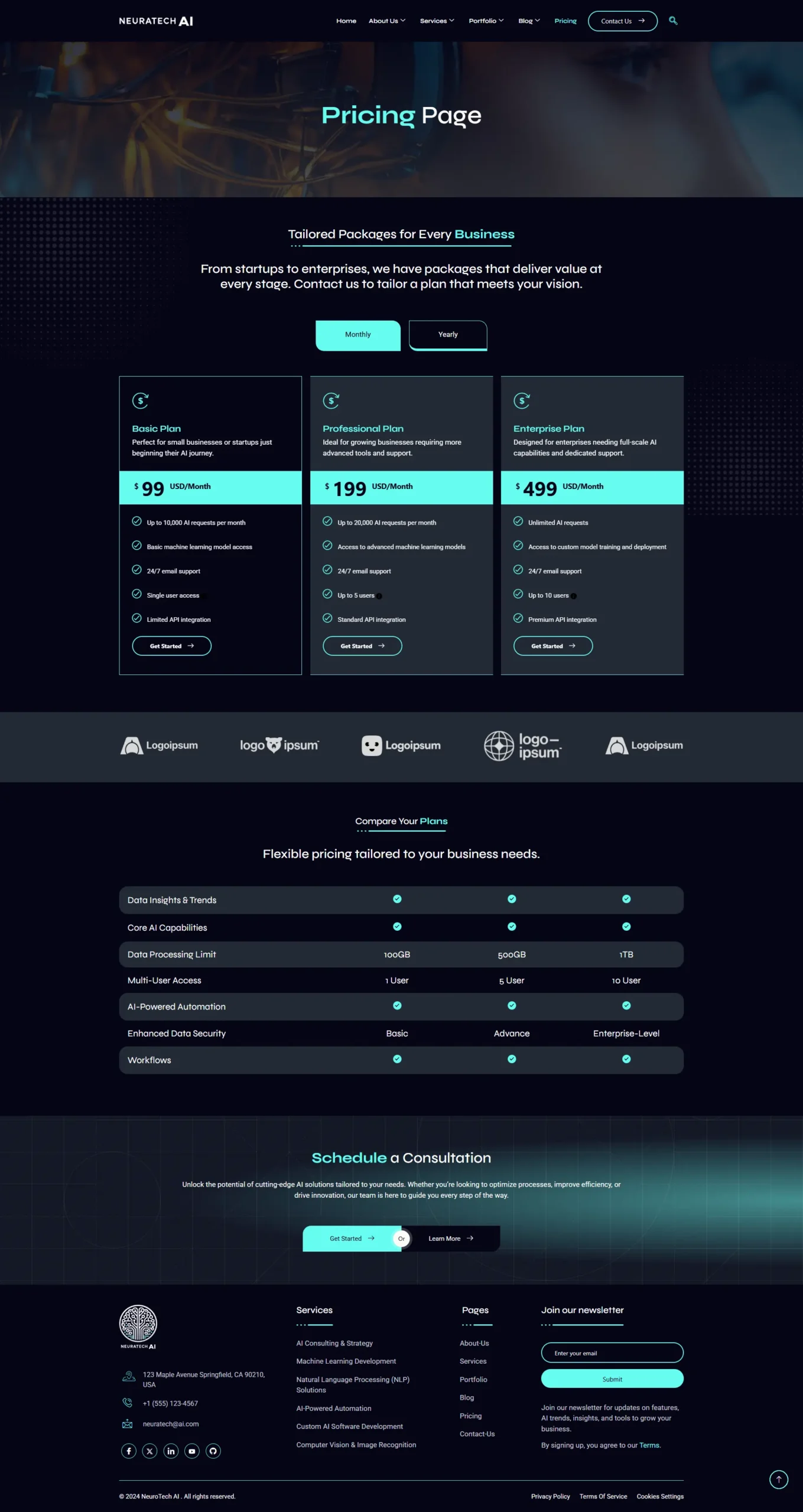
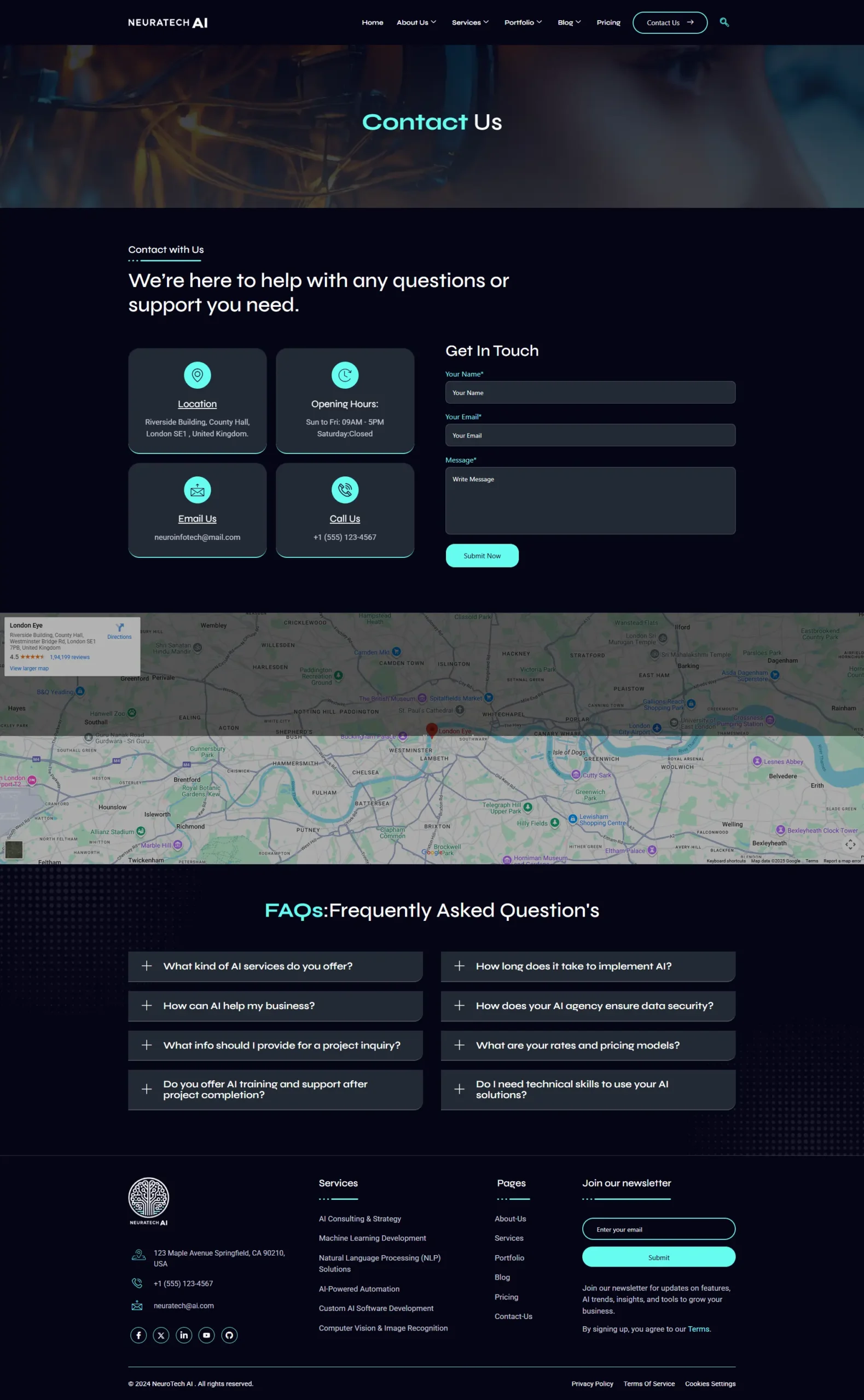
AI Agency – Elementor Template Kit
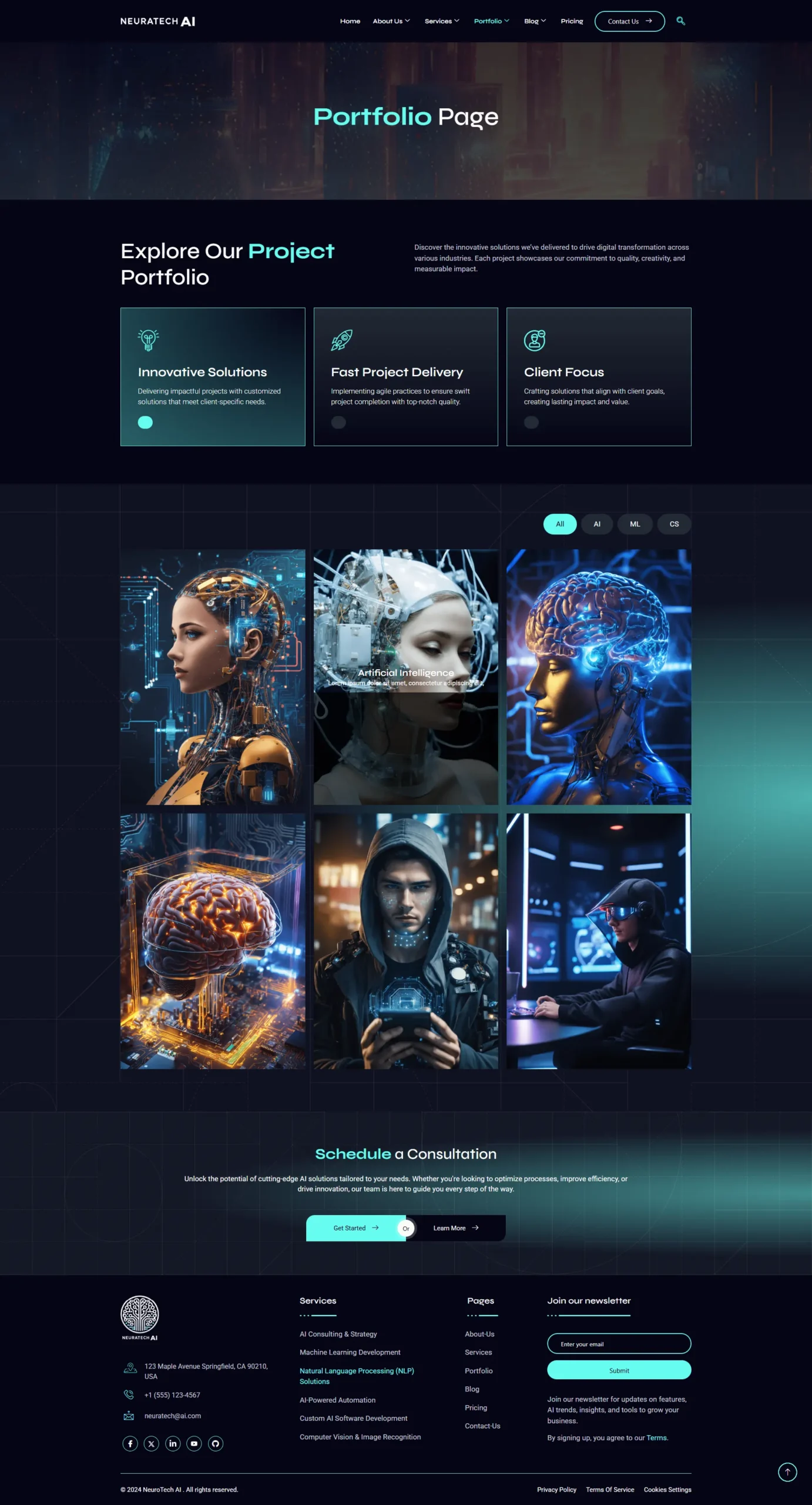
AI Agency is a modern and professional Elementor Template Kit specially designed for Artificial Intelligence companies, tech startups, data analytics firms, and digital innovation agencies.
Built with Elementor Free, this kit features a sleek, futuristic design and includes a collection of pre-built pages to help you launch your website quickly and easily – no coding required.
Fully responsive and optimized for all devices, the AI Agency Template Kit ensures your site looks stunning and performs flawlessly across desktops, tablets, and mobiles.
Key Features:
-
Clean, modern & professional design
-
Built with Elementor Free
-
100% responsive & mobile-friendly
-
Easy to customize with drag-and-drop editor
-
Optimized for fast loading & SEO
-
Perfect for AI startups, SaaS, and tech agencies
What’s Included:
- Home Page
- Home – V2 Page
- About Us
- Services
- Our Team
- Pricing
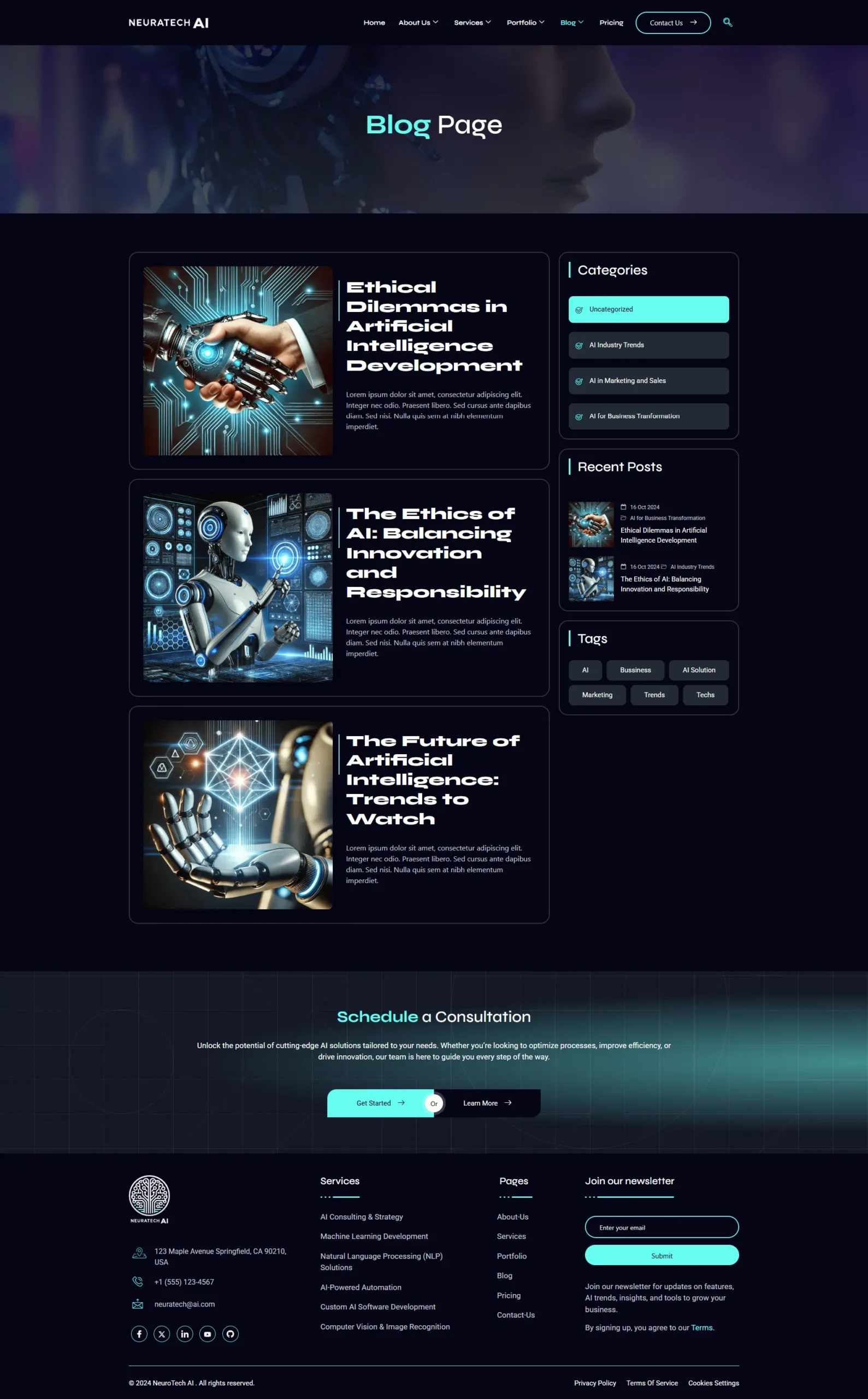
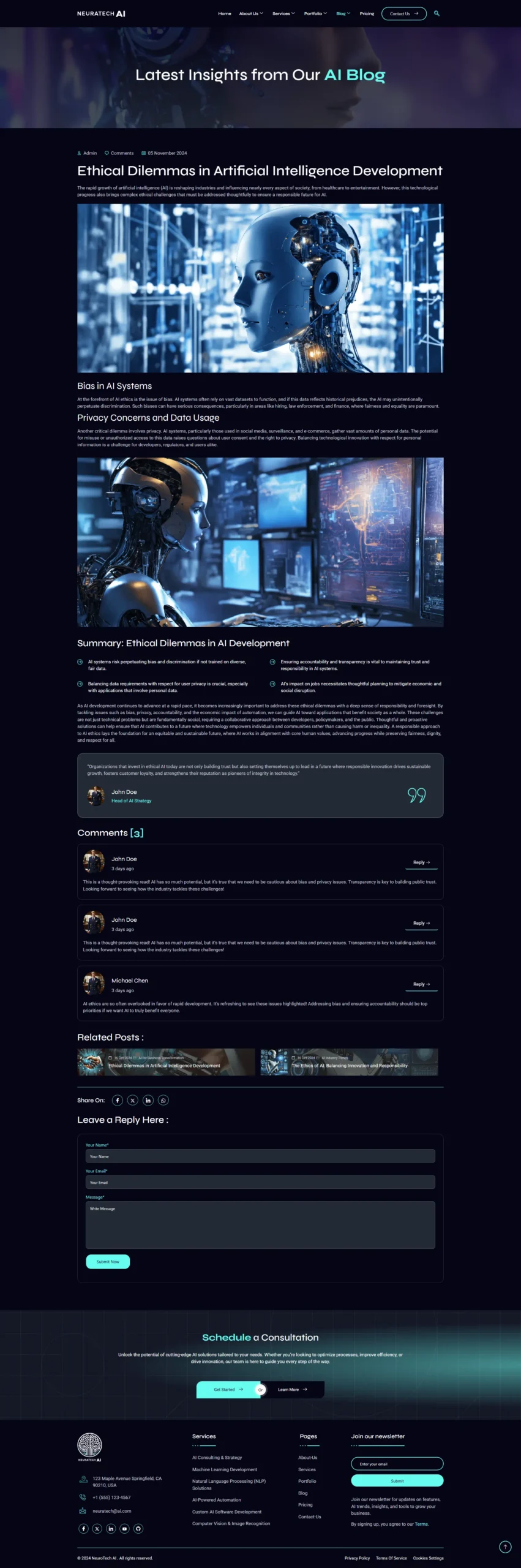
- Blog & Single Post
- Portfolio Page
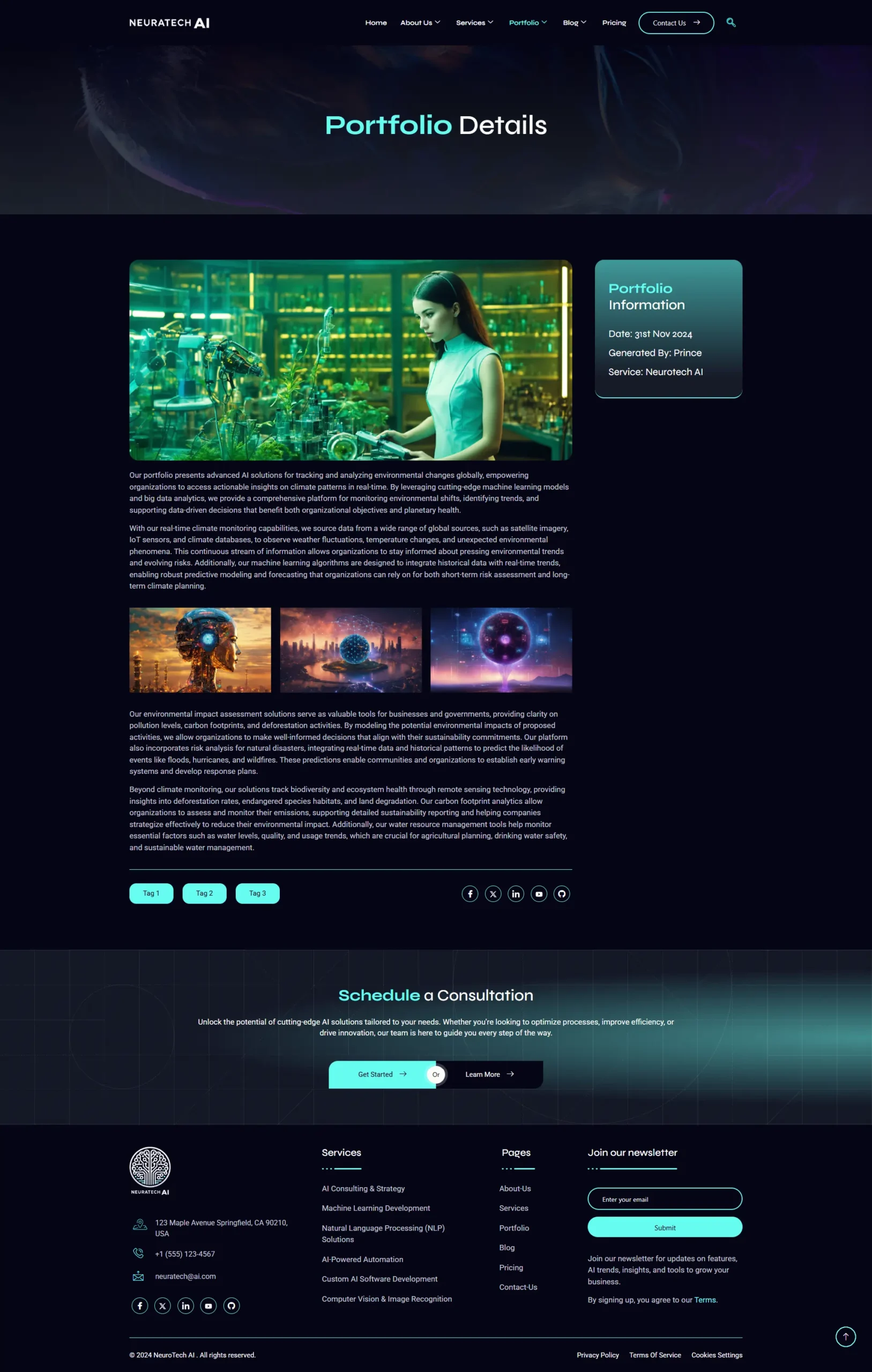
- Portfolio Detail Page
- Contact
- 404 Page
- Global Header & Footer
Required Plugins
- Elementor (Free)
- ElementsKit Lite
- Elementor Pro upgrade is required for some templates and features (not included).
How to Import a Template Kit
- Download your main zip folder – unzip this primary folder and you will find folders for the following: Documentation, Media, and OneClickImport.
- For the zip kit file within the main folder – Do not unzip (the zip is titled “elementor-kit.zip“)
- Go to WordPress Dashboard – Elementor -Tools – Import / Export Kit
- Click Import a Template Kit
- Drag and drop the included site kit zip file to import
- Select the plugins you want to import (you will need an Elementor Pro license) – Click Next
- Select which parts you want to apply – for a full site import make sure everything is checked. Click Import
If you have Elementor Pro, headers and footers may be customized under Theme Builder.
For further support, go to Elementor Get Help in WordPress menu.
Setup Global Header and Footer in ElementsKit
- Import the header and footer template
- Go to ElementsKit Header Footer and click Add New (if prompted with a wizard, you may click Next through it without taking any action)
- Title the header, leave Entire Site selected and toggle Activation to On
- Click the gray Edit Content button to load the builder
- Click the gray folder icon and select the header template to import, select your menu in the nav element and click Update.
- Repeat for Footer
This Template Kit uses demo images. You will need to replace those images before using on production!
I hope you enjoy Thanks!
Only logged in customers who have purchased this product may leave a review.

Reviews
There are no reviews yet.