Your satisfaction is our priority. 100% refund policy within 5 days!


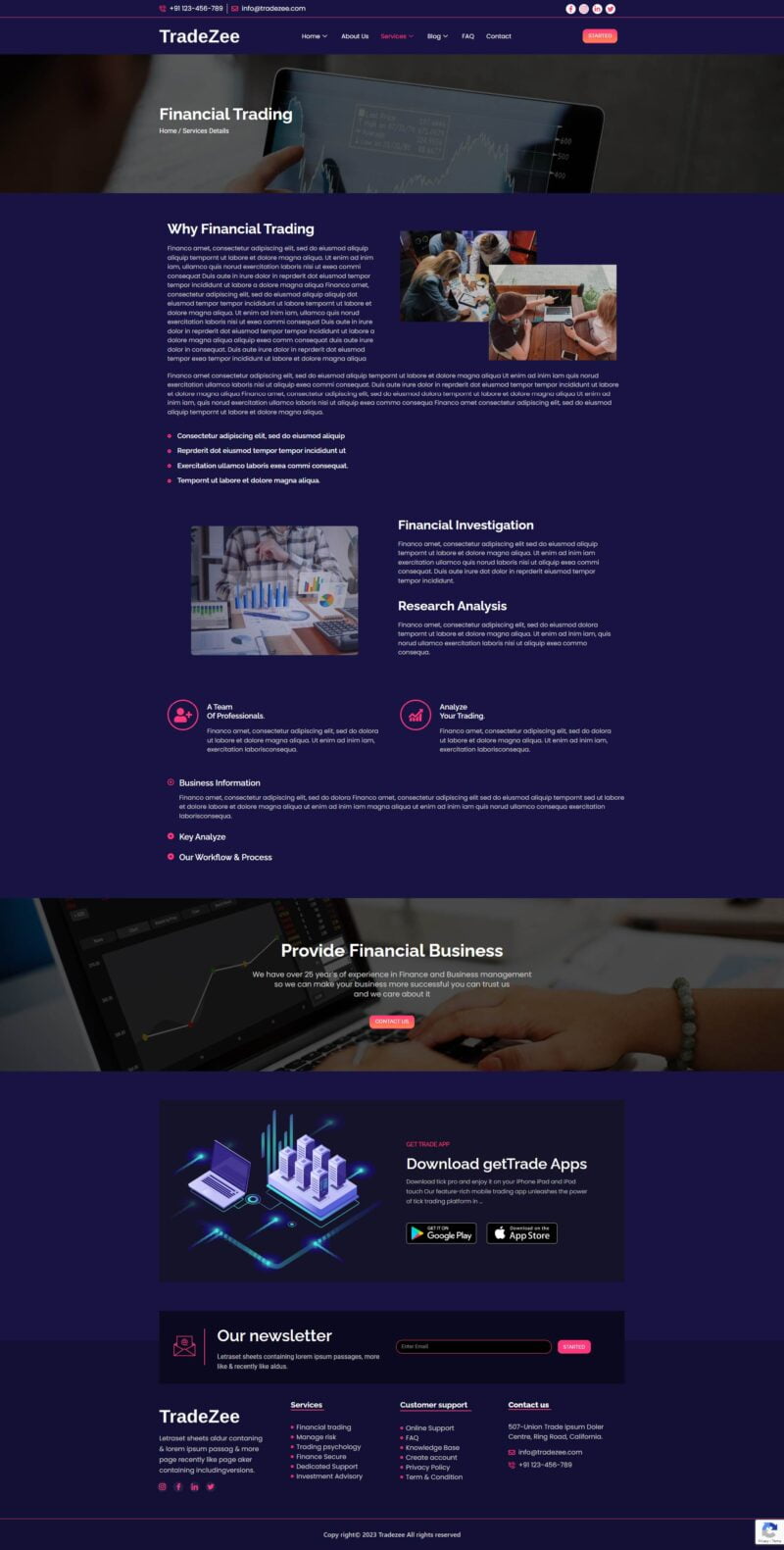
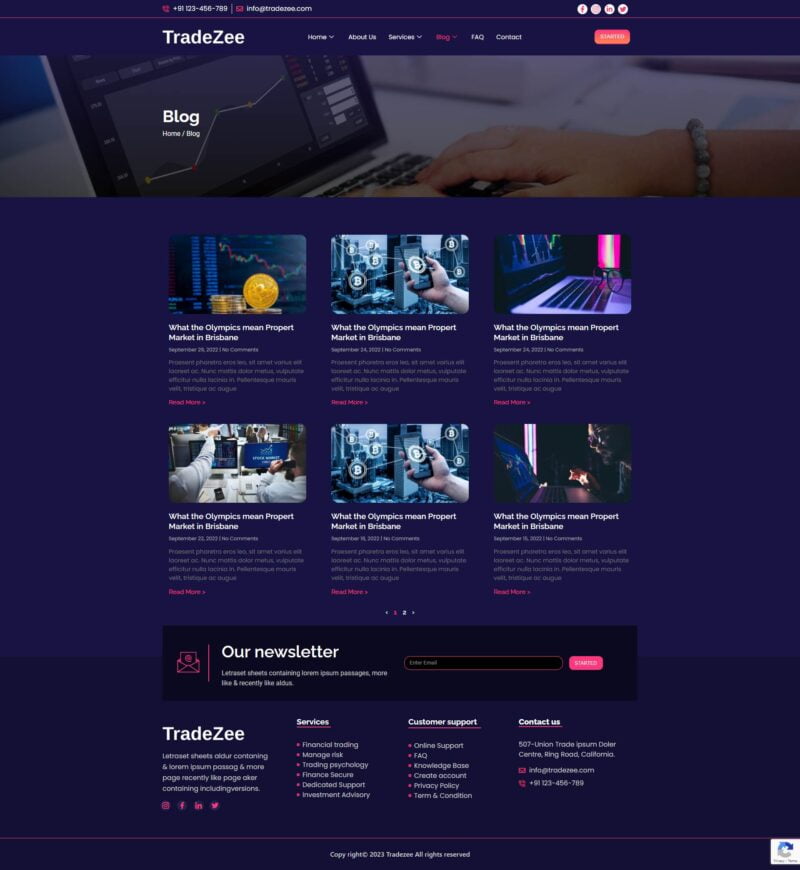
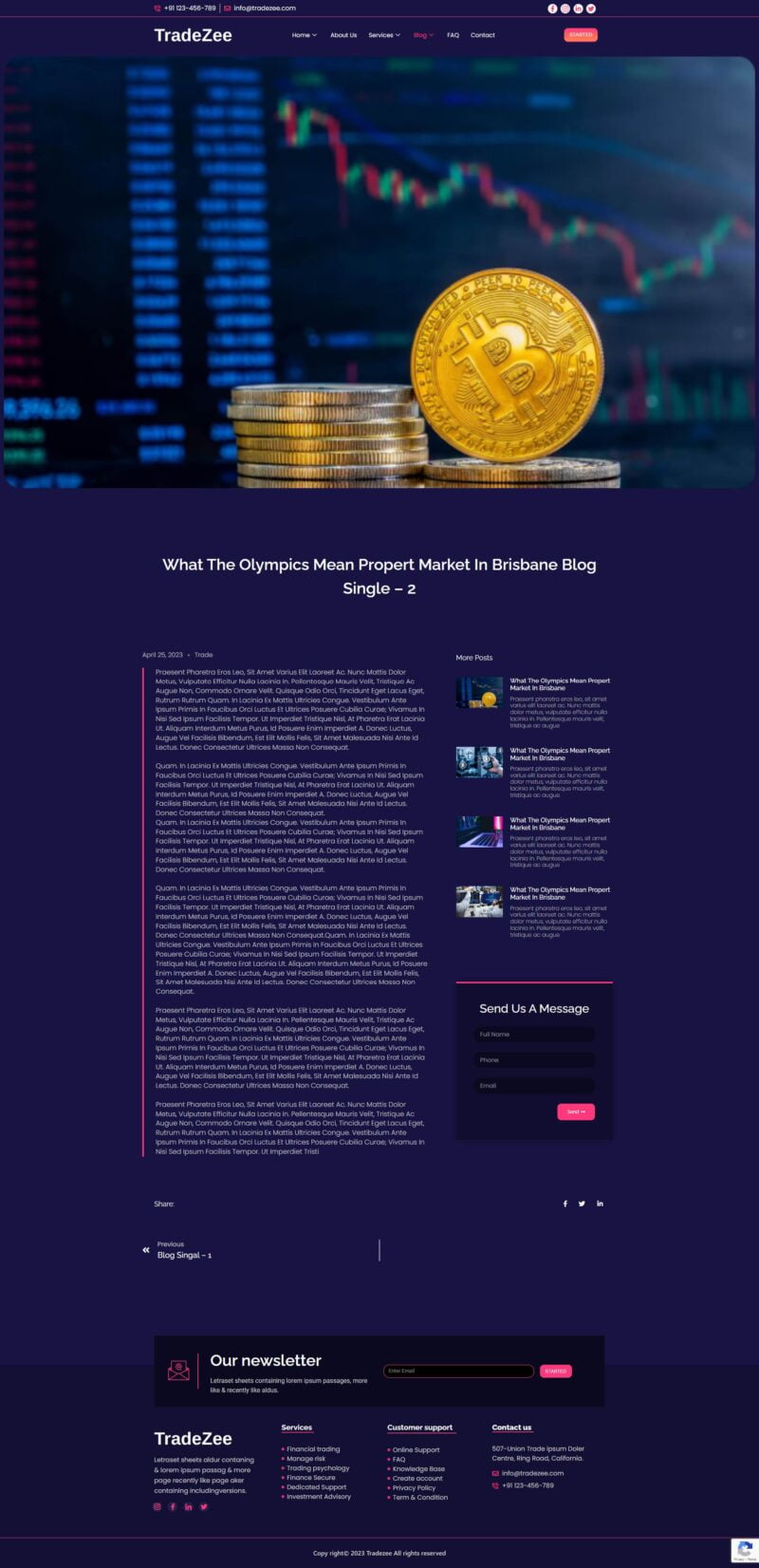
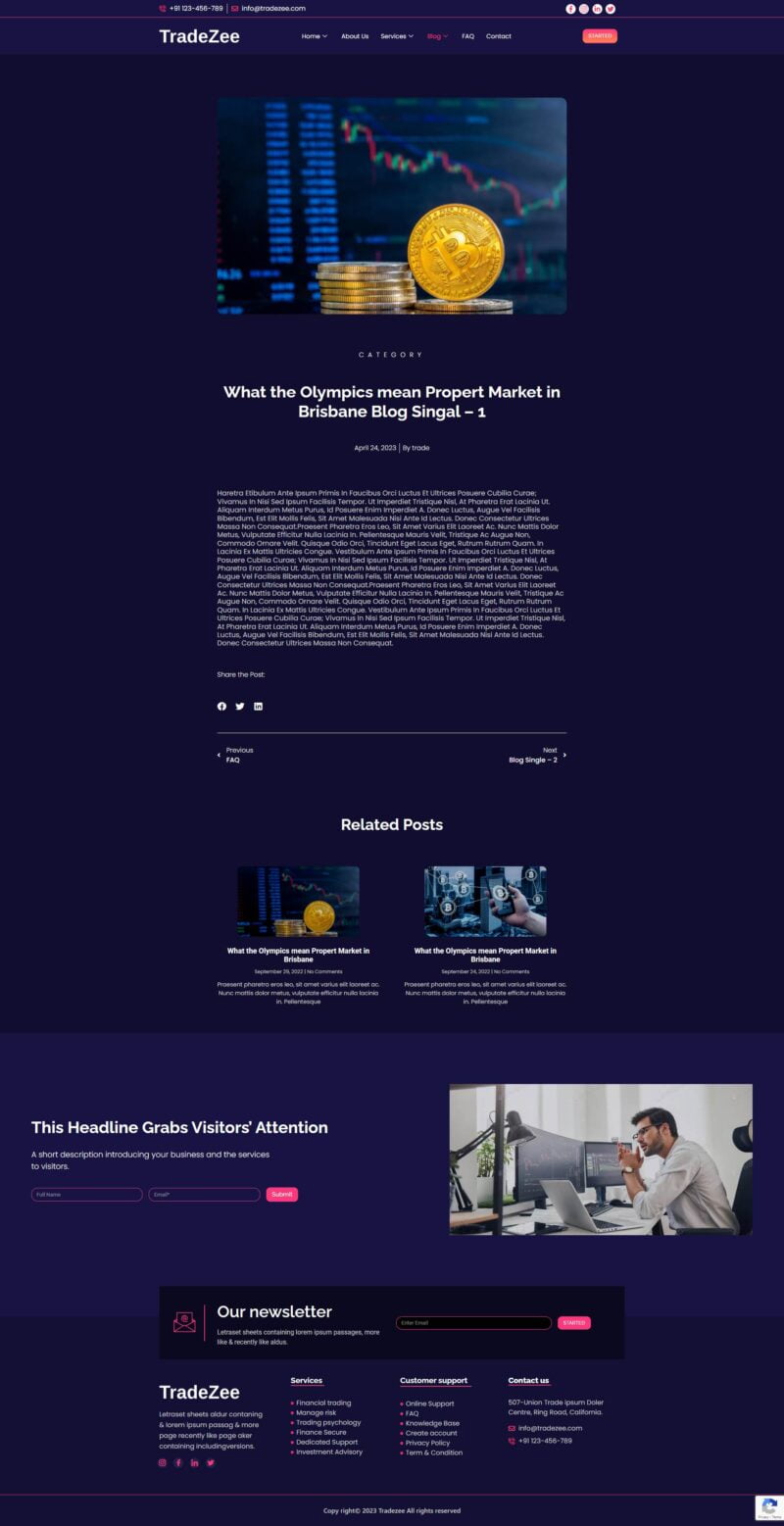
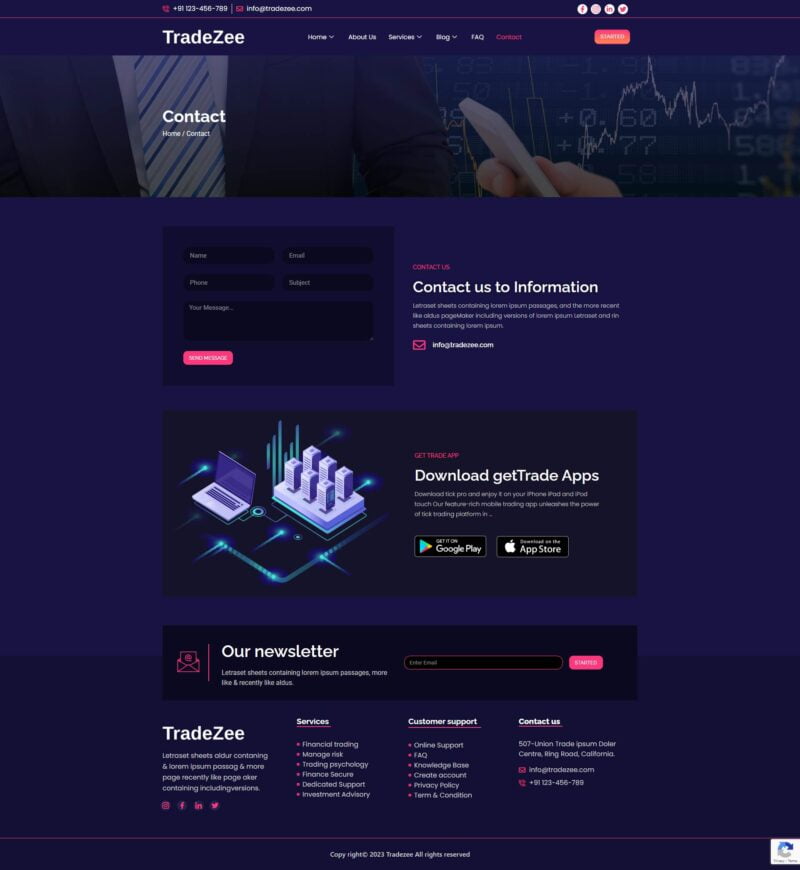
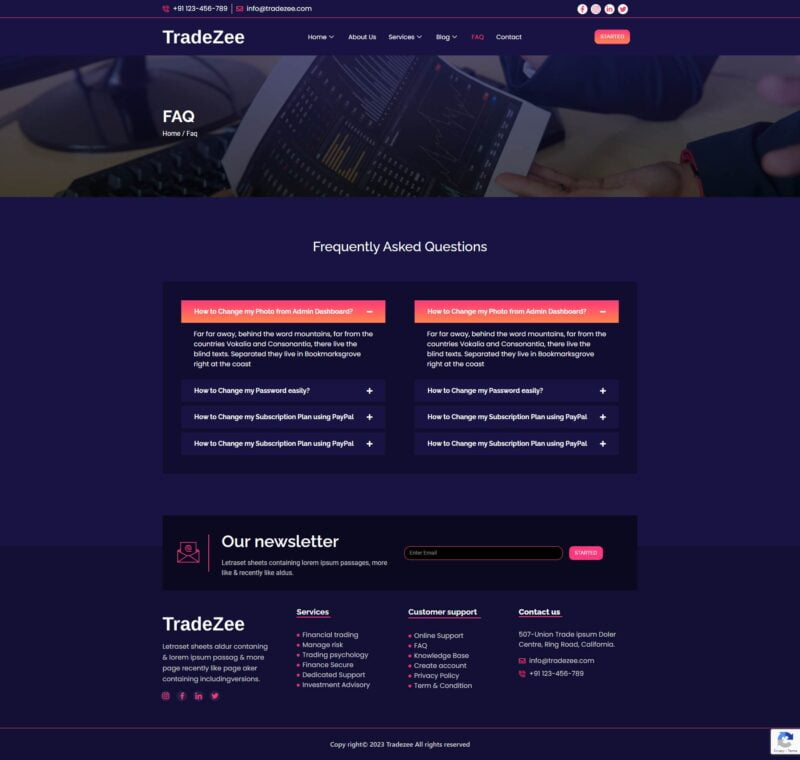
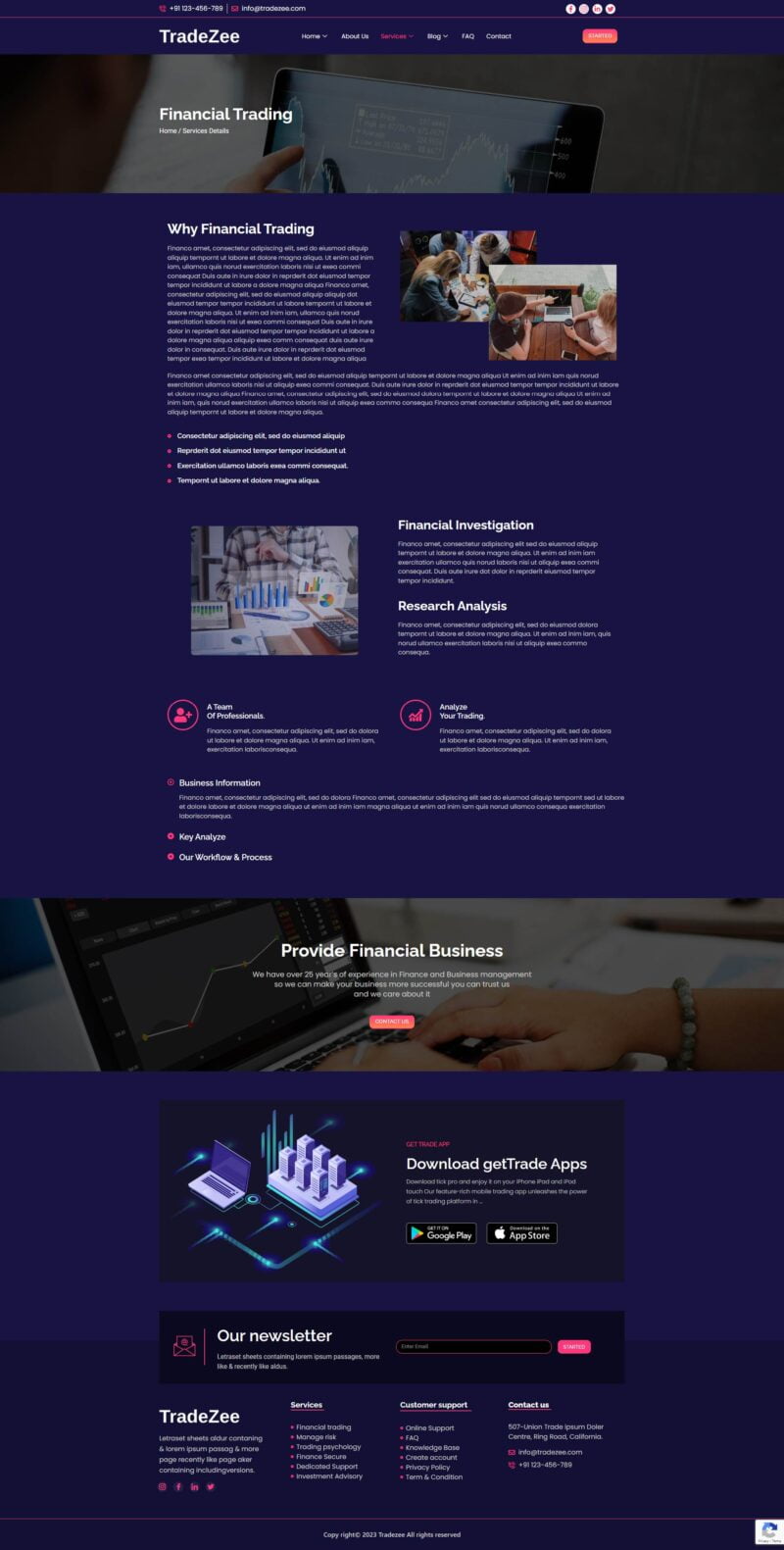
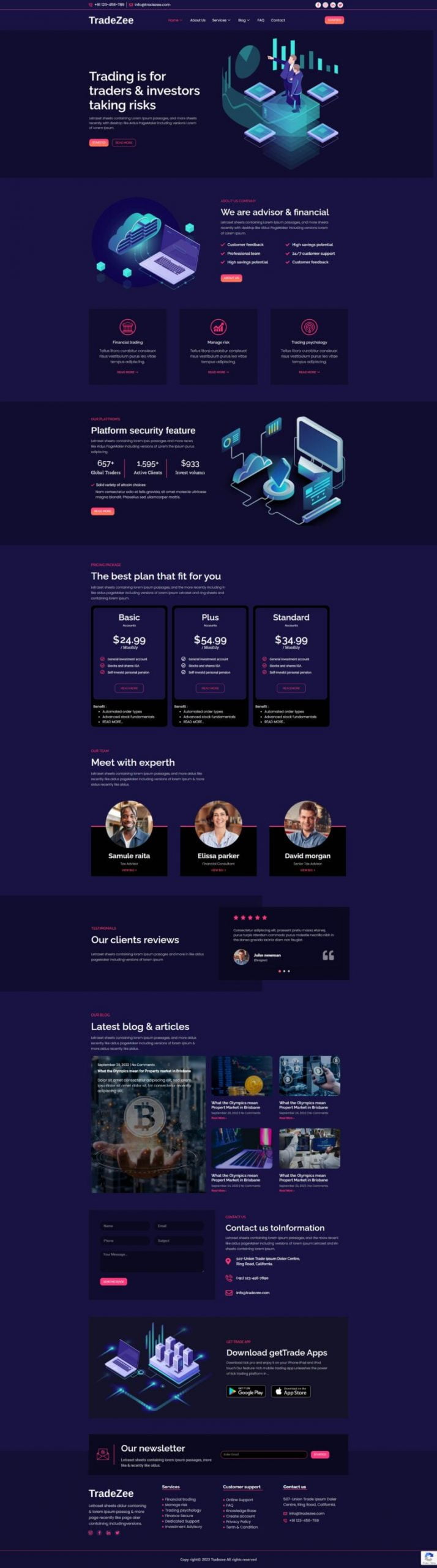

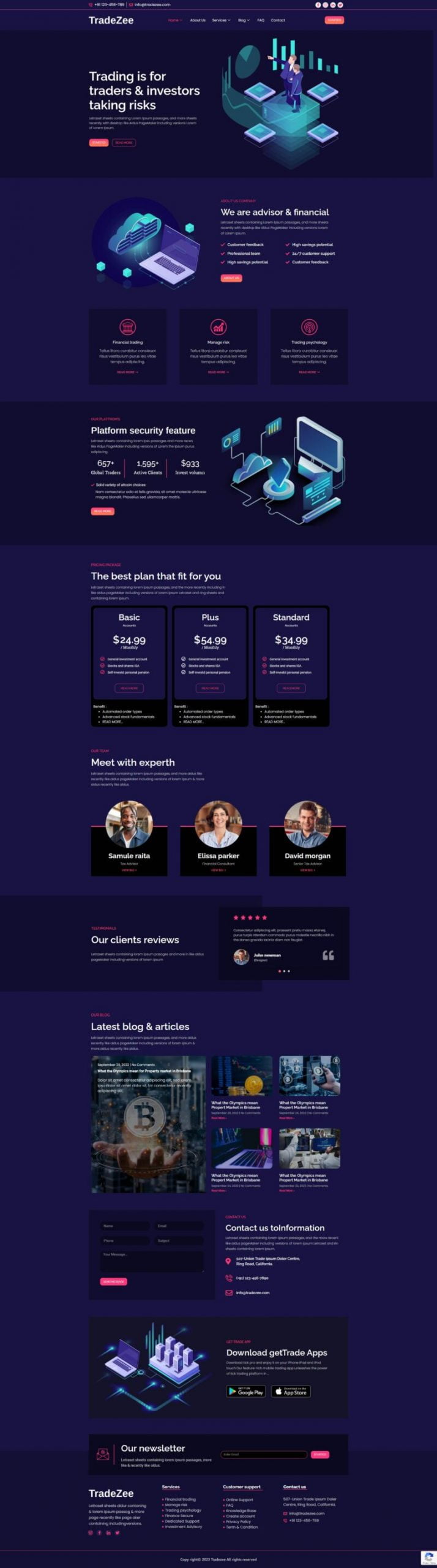
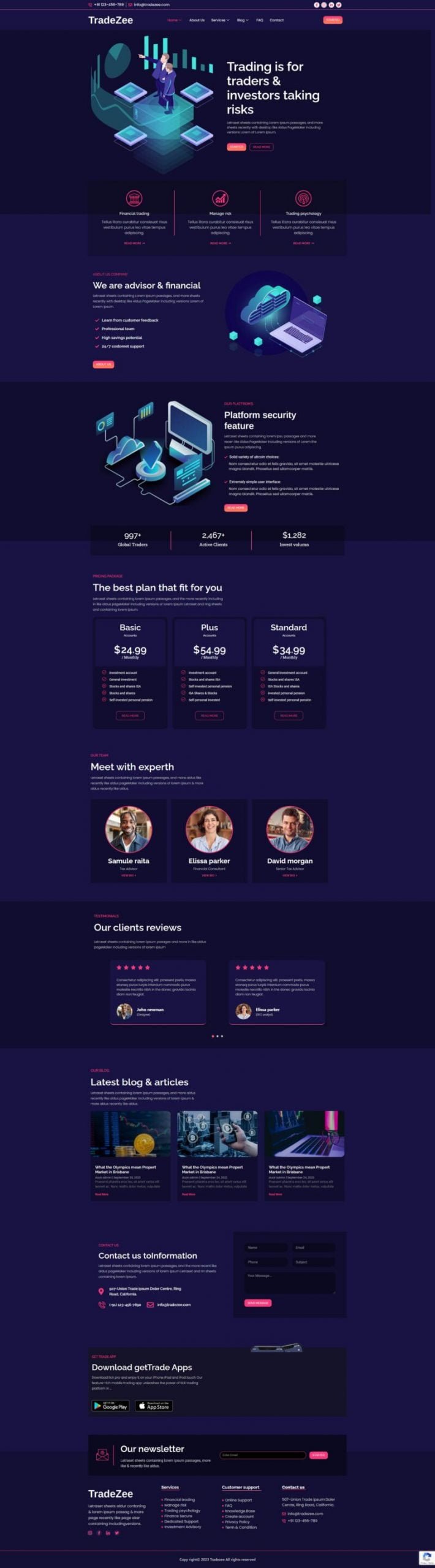
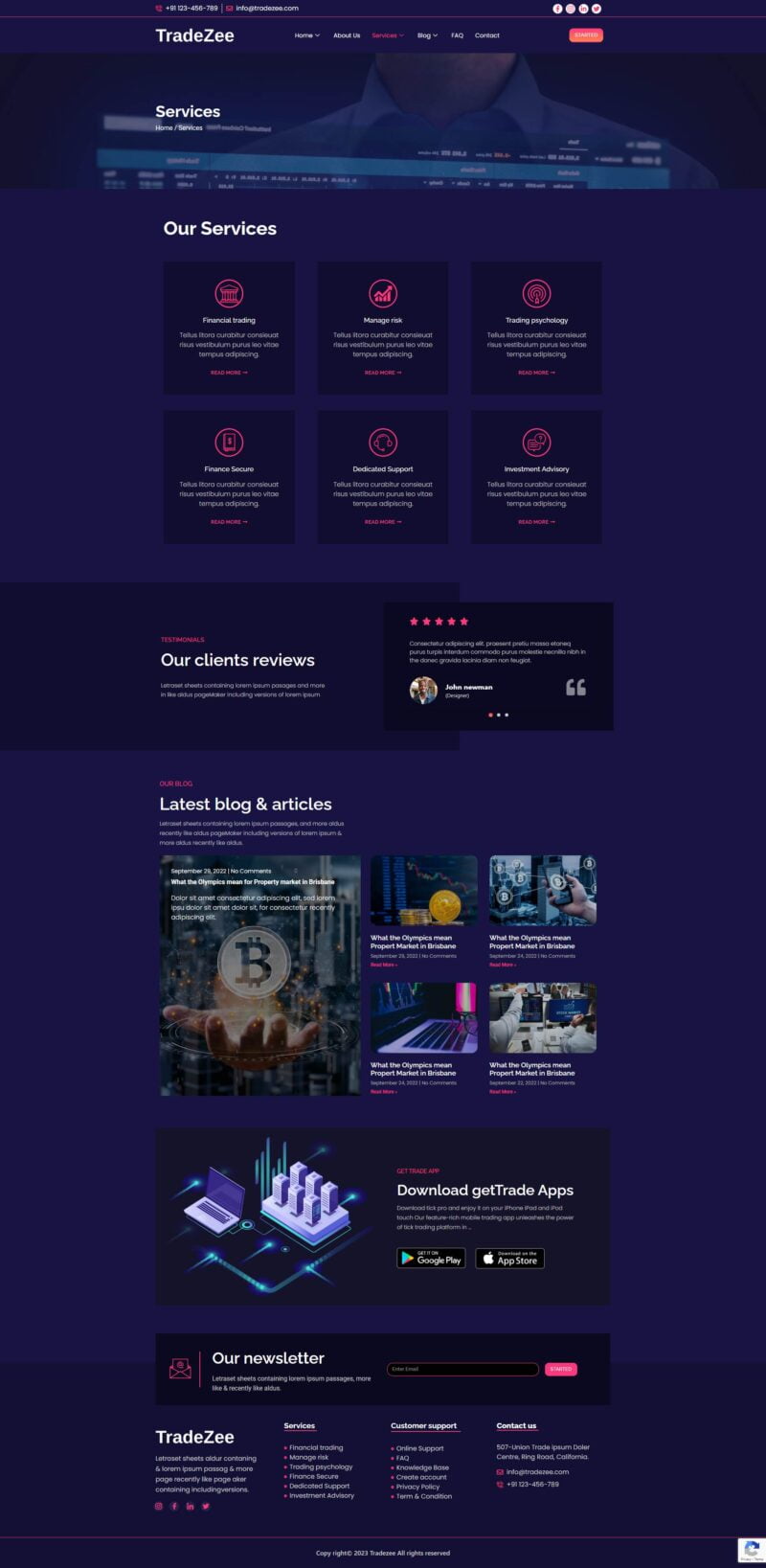
TradeZee is a modern Trading & Investment Elementor Template Kit designed for businesses and professionals in the finance and investment industry. It is ideal for creating websites for trading companies, investment firms, financial advisors, mutual funds, wealth management services, crypto investment platforms, stock investment businesses, and other finance-related services.
The kit includes 12+ professionally designed, responsive templates with a clean, modern, and professional layout. Built with the Elementor Page Builder, TradeZee makes it easy to create and customize your website without writing any code. Simply use the drag-and-drop editor to change text, images, colors, layouts, and other content to match your brand.
TradeZee helps you save time and build a professional trading or investment website quickly. The templates are optimized for use with the free Hello Elementor theme and are also compatible with most WordPress themes that support Elementor.
Whether you are launching a trading company, investment consultancy, wealth management service, or finance-focused business, TradeZee provides a flexible foundation for creating a professional online presence.
Layout Features :
-
- Modern and Professional design
- Built with Elementor Pro
- 100% Responsive & mobile-friendly
- 12+ pre-built templates
- Easy to customize
- Template kit built with Elementor Hello Theme
What’s Included
- Homepage
- Homepage – 2
- About us
- Contact
- FAQ
- Blog
- Single Blog
- Single Blog – 2
- Financial Trading
- Service
- Global
- Header
- Footer
Required Plugins
- Elementor (Free)
- Elementor Pro upgrade is required for some templates and features (not included).
How to Import a Template Kit
- Download your main zip folder – unzip this primary folder and you will find folders for the following: Documentation, Media, and OneClickImport.
- For the zip kit file within the main folder – Do not unzip (the zip is titled “elementor-kit.zip“)
- Go to WordPress Dashboard – Elementor -Tools – Import / Export Kit
- Click Import a Template Kit
- Drag and drop the included site kit zip file to import
- Select the plugins you want to import (you will need an Elementor Pro license) – Click Next
- Select which parts you want to apply – for a full site import make sure everything is checked. Click Import
If you have Elementor Pro, headers and footers may be customized under Theme Builder.
For further support, go to Elementor Get Help in WordPress menu.
Setup Global Header and Footer in ElementsKit
- Import the header and footer template
- Go to ElementsKit Header Footer and click Add New (if prompted with a wizard, you may click Next through it without taking any action)
- Title the header, leave Entire Site selected and toggle Activation to On
- Click the gray Edit Content button to load the builder
- Click the gray folder icon and select the header template to import, select your menu in the nav element and click Update.
- Repeat for Footer
This Template Kit uses demo images. You will need to replace those images before using on production!
I hope you enjoy Thanks!
3 reviews for TradeZee – Trading & Investment Template Kit
Only logged in customers who have purchased this product may leave a review.

David Green (verified owner) –
This Elementor kit was exactly what I needed to set up my crypto investment site. The sections on market trends and asset allocation are beautifully designed, and the testimonials area adds a lot of credibility to my brand. What impressed me the most is how easy it was to customize—even with zero coding experience, I was able to make the website look exactly how I wanted.
Anisha Patel (verified owner) –
Fantastic templates! Perfect for my investment website, looks professional.
John Williams (verified owner) –
Amazing design and easy to customize. Highly recommended!