Your satisfaction is our priority. 100% refund policy within 5 days!

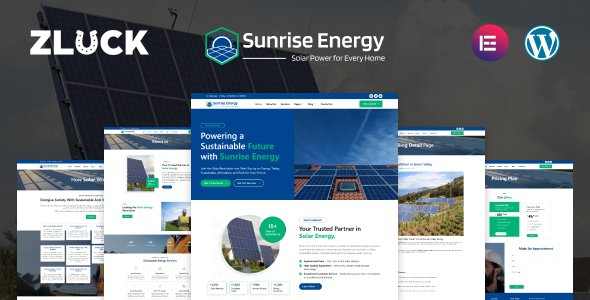
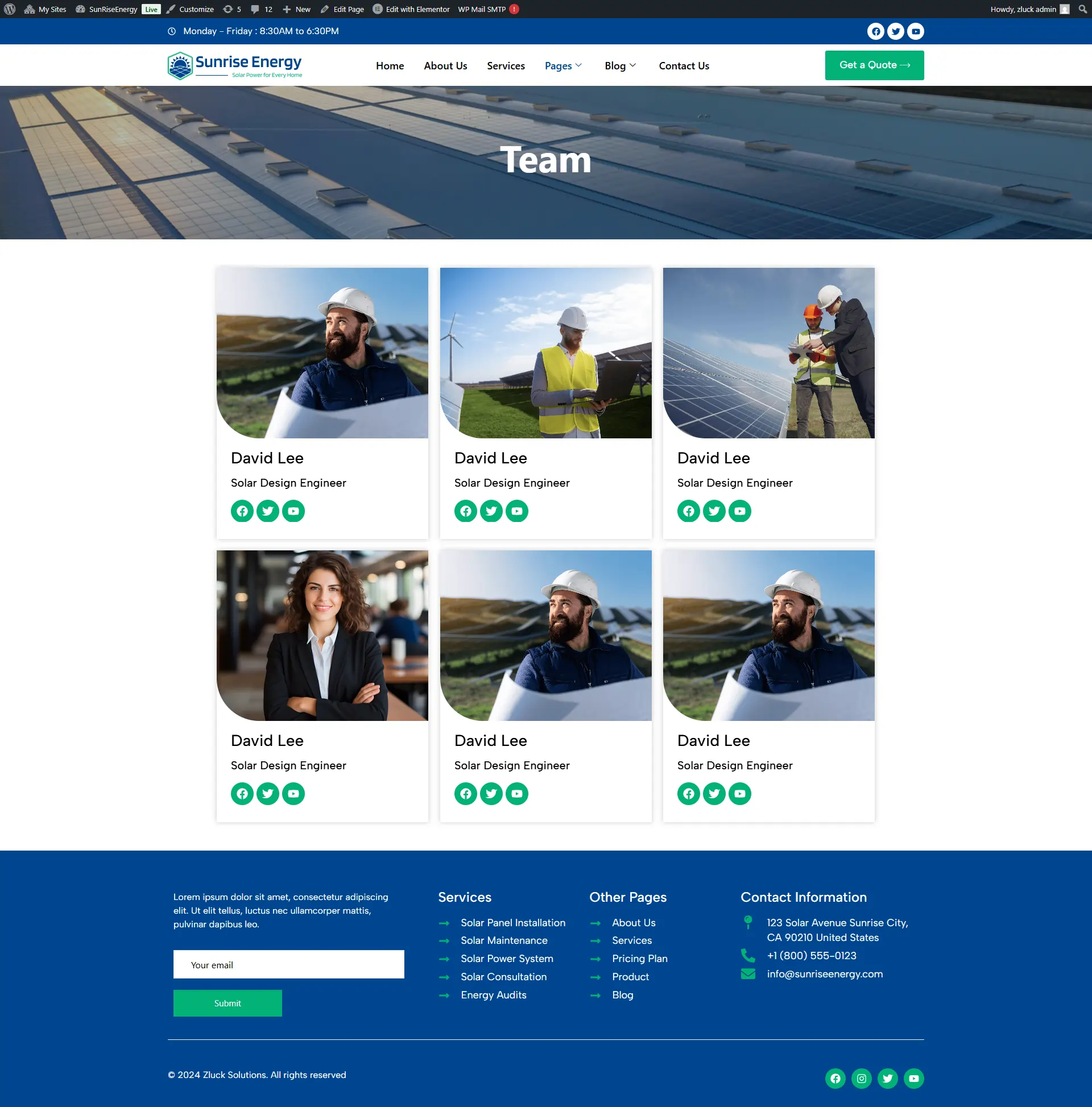
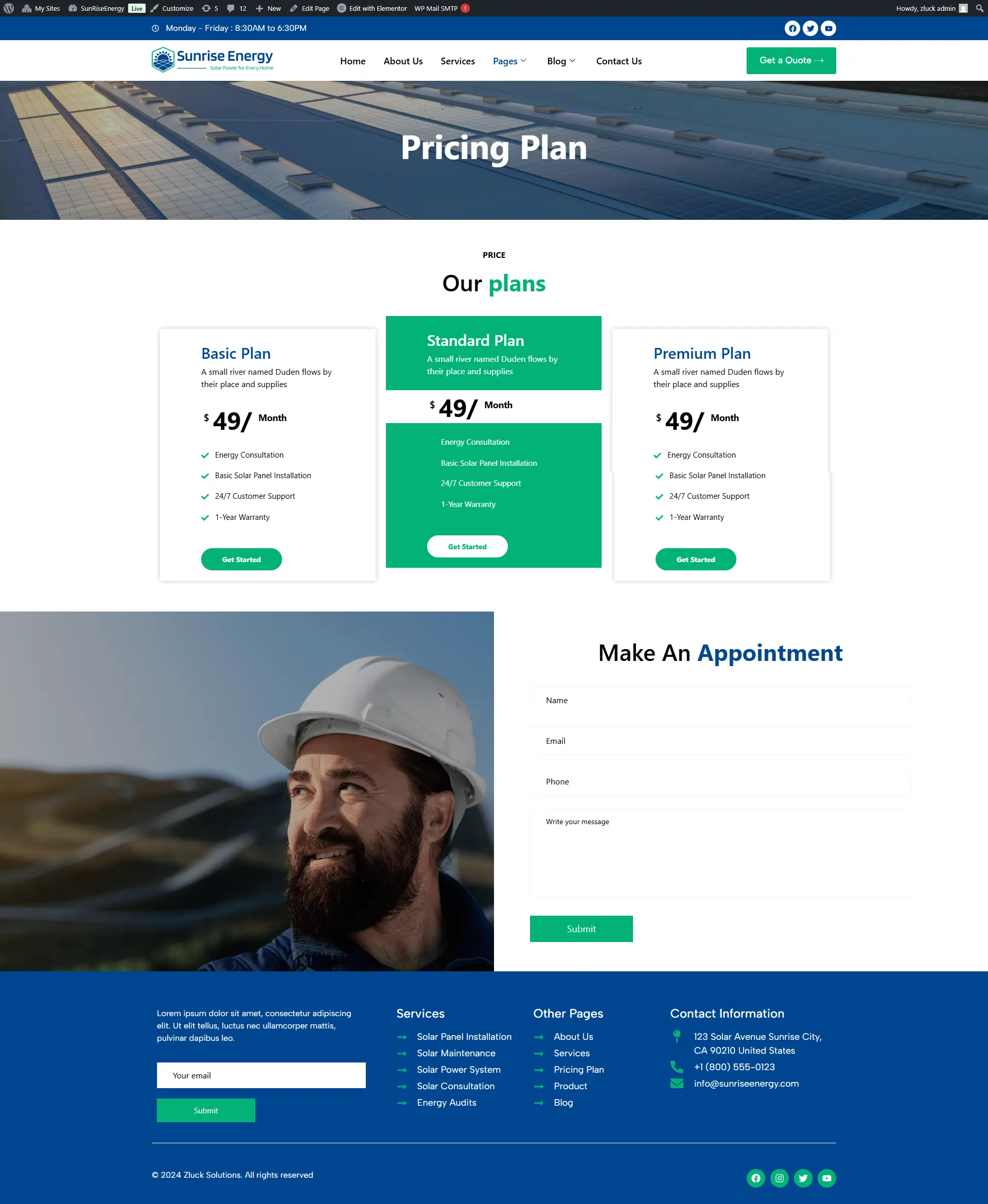
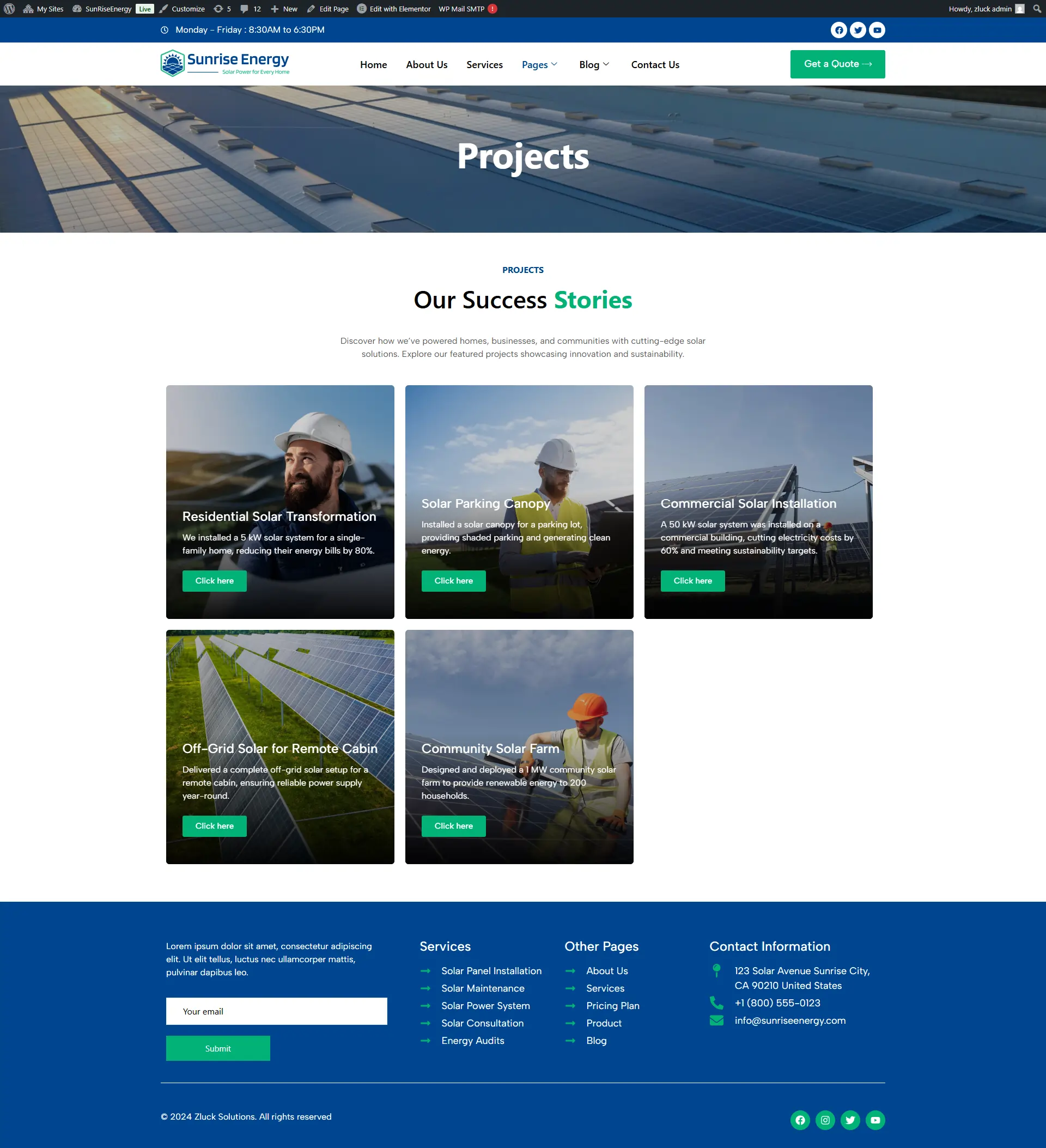
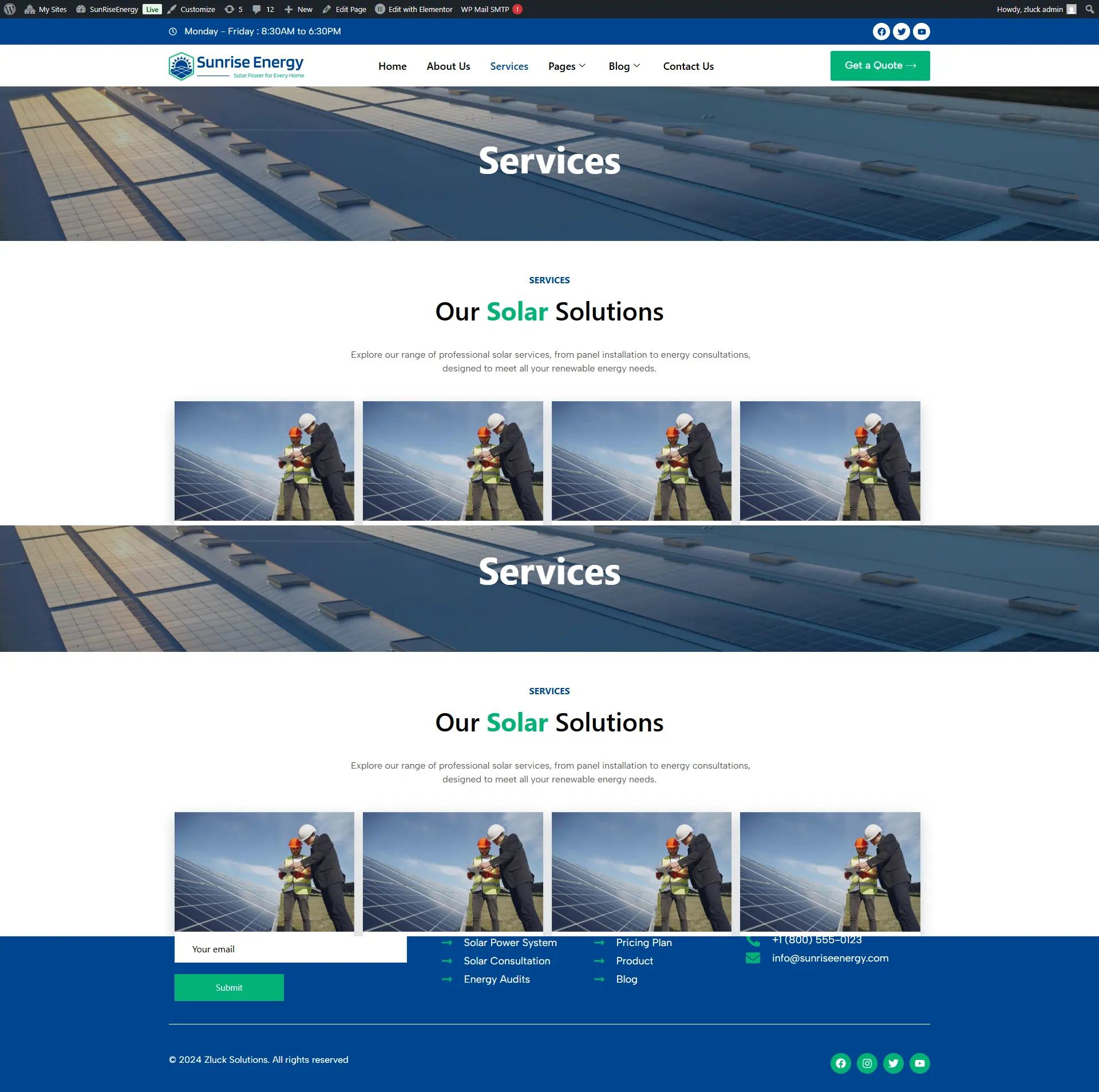
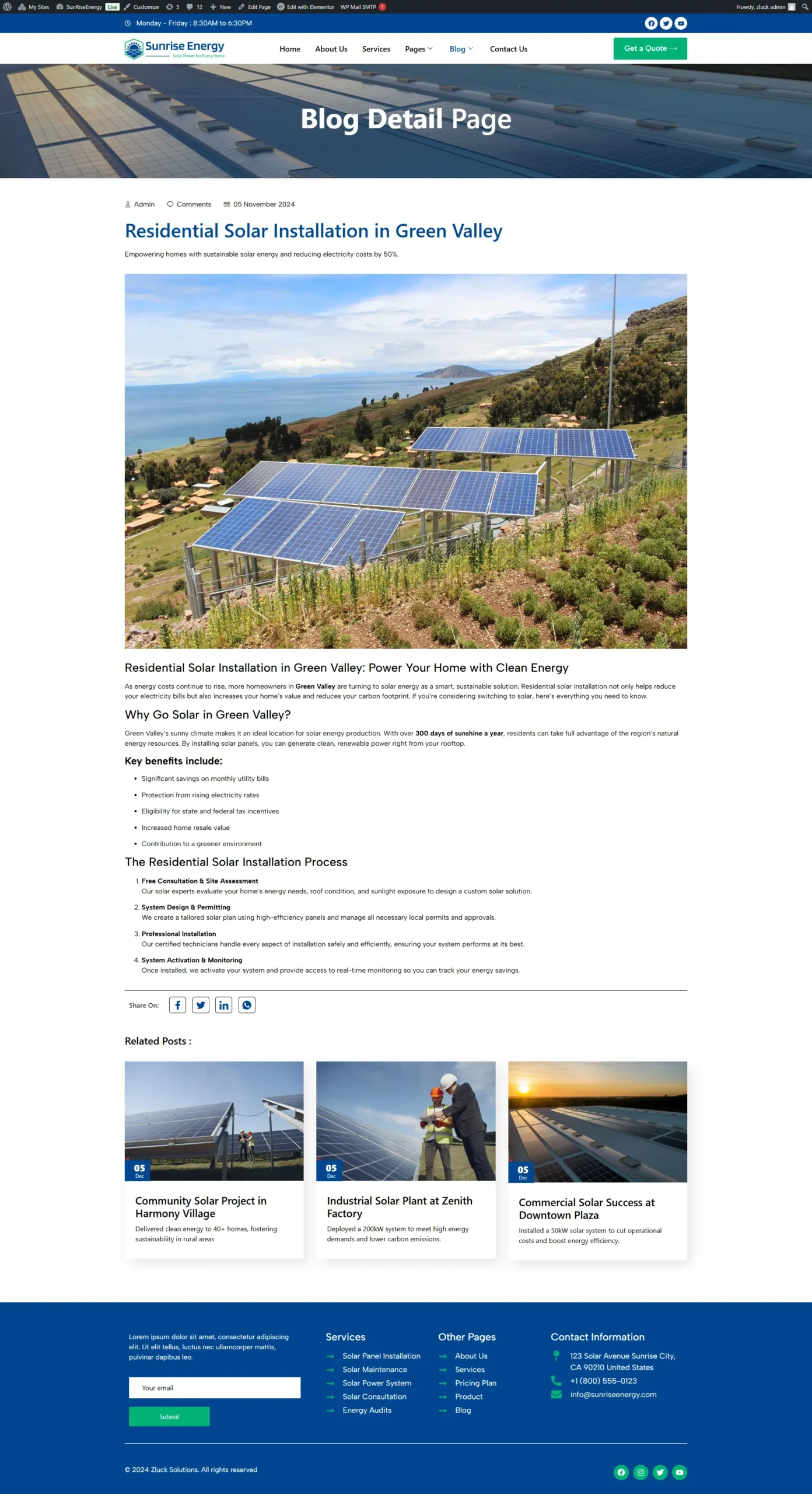
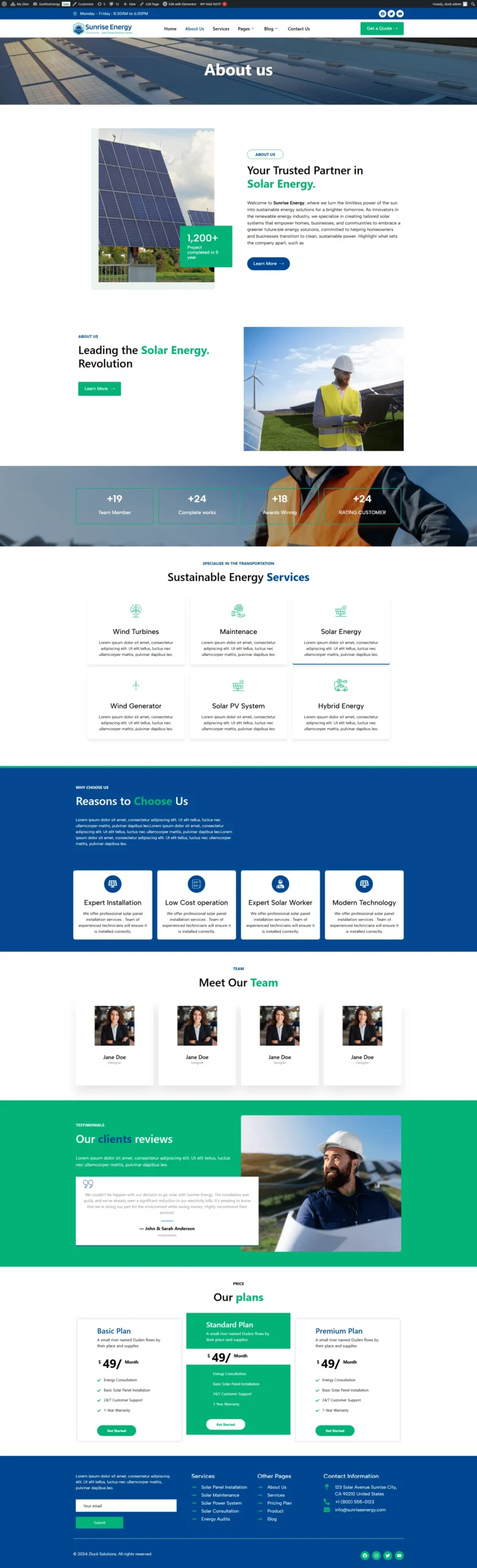
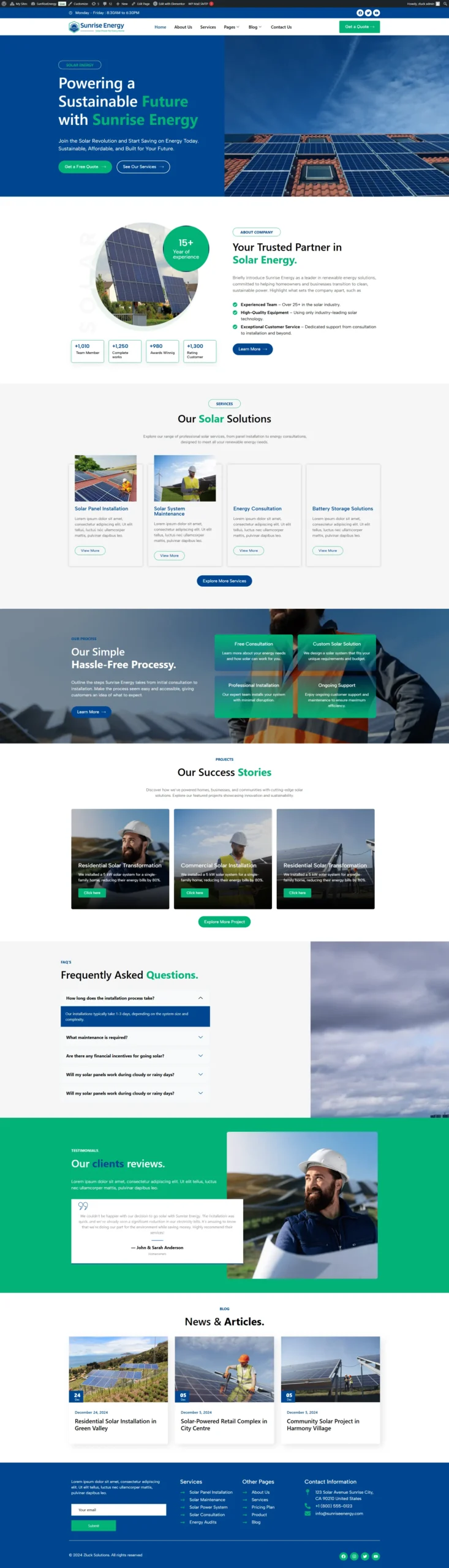
Sunrise Energy – Sun Powered Solutions Elementor Template Kit
$19.00
Extra Features
- Premium Quality
- Secure Payments
- Satisfaction Guarantee
- Worldwide Shipping
- Money Back Guarantee
Sunrise Energy – Elementor Template Kit
Sunrise Energy is a sophisticated and responsive Elementor Template Kit meticulously crafted for renewable energy companies, solar power providers, green tech startups, and energy-service agencies.
Built with Elementor Pro, this kit delivers a clean, eco-modern design aesthetic and includes a full suite of pre-built pages – enabling you to launch a powerful, high-impact website without any coding.
Key Features:
-
Eco-modern, professional design tailored for energy & renewable sectors
-
Built with Elementor Pro
-
100% responsive & mobile-friendly layout
-
Easy drag-and-drop customization
-
Powerful for solar, wind, battery-storage, green-tech firms
-
Optimised for performance & SEO
What’s Included:
-
Home Page
-
About Us
-
Services
-
Projects
-
Pricing
-
Team
-
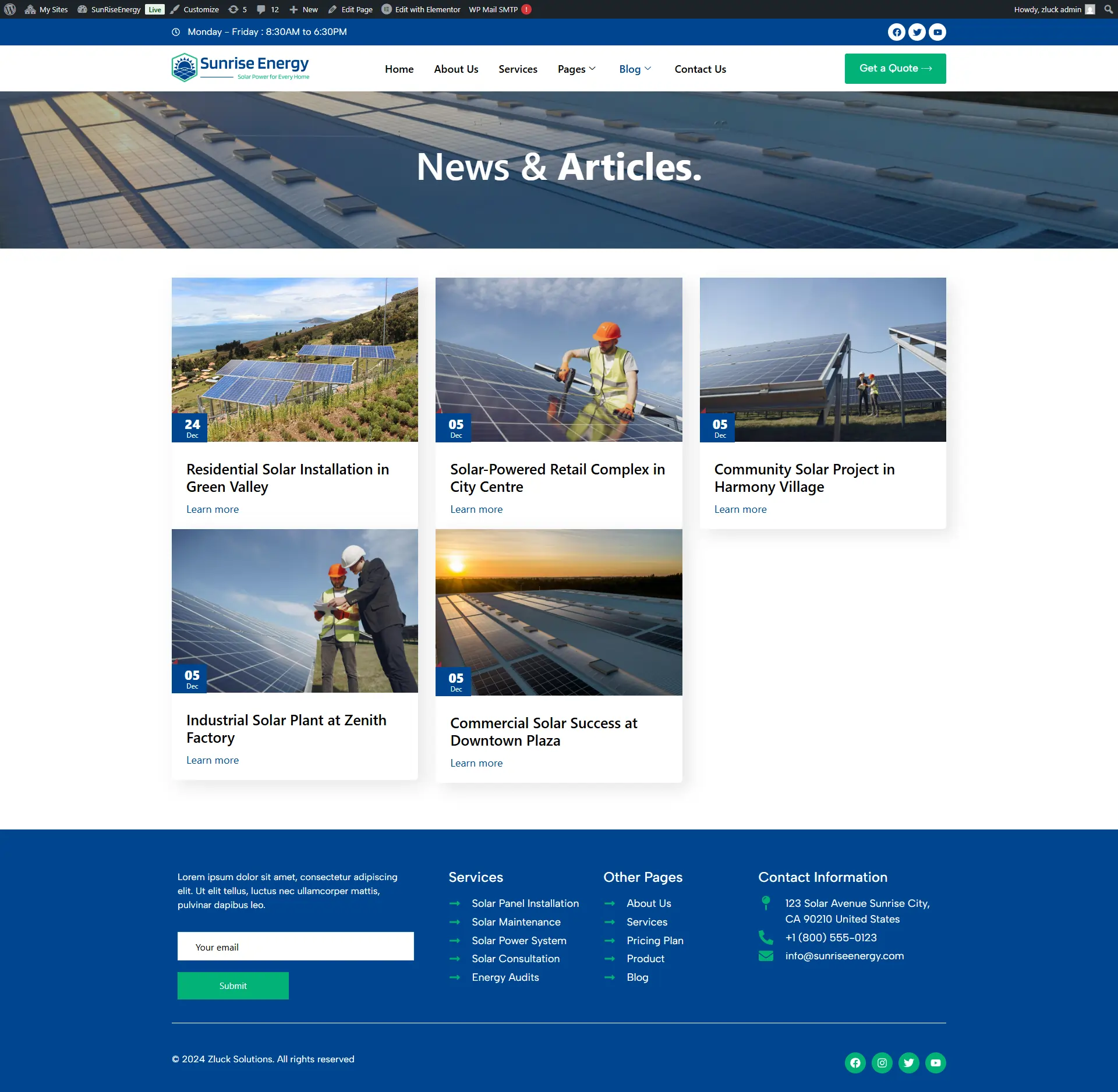
Blog & Single Post
-
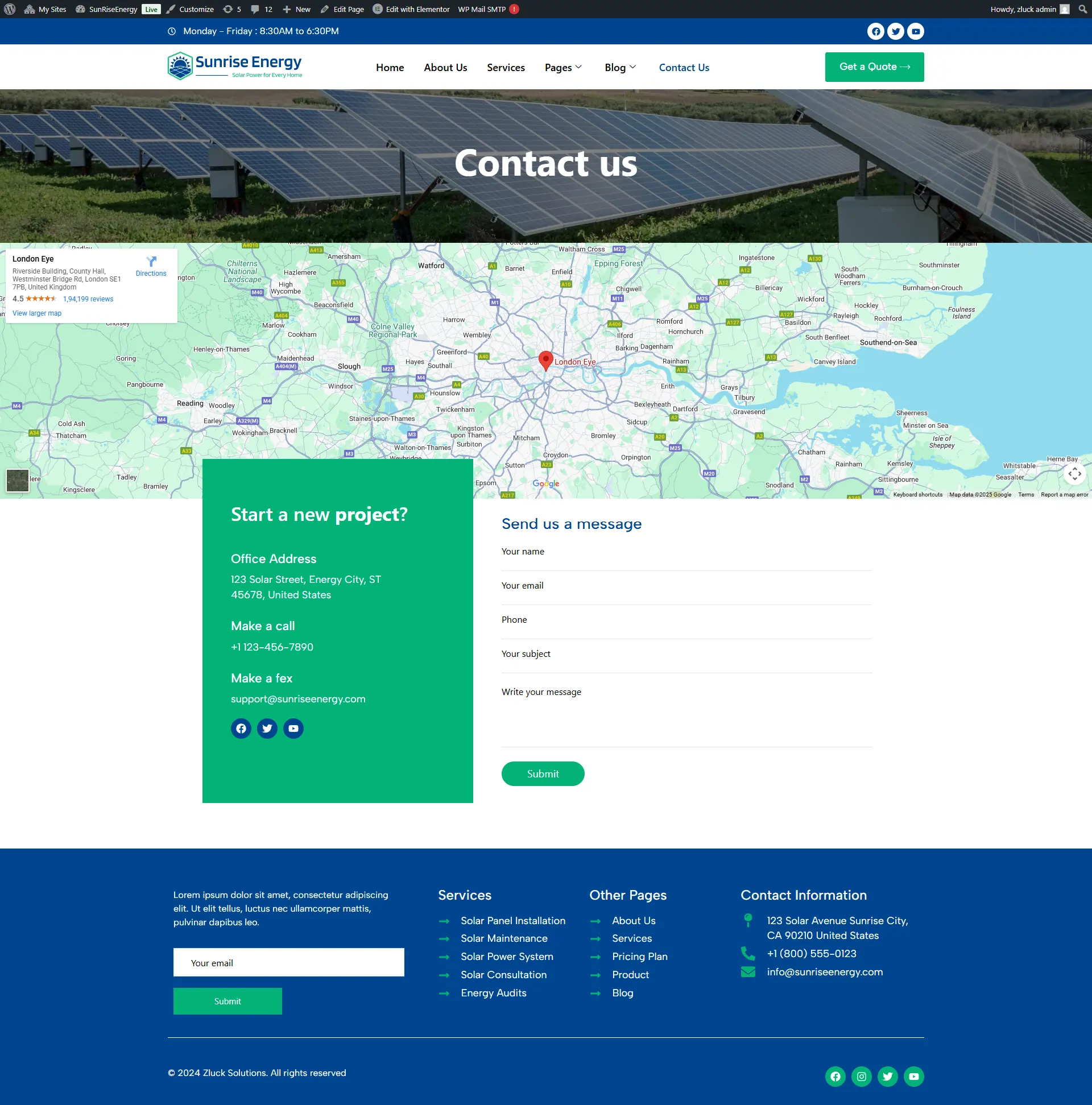
Contact
-
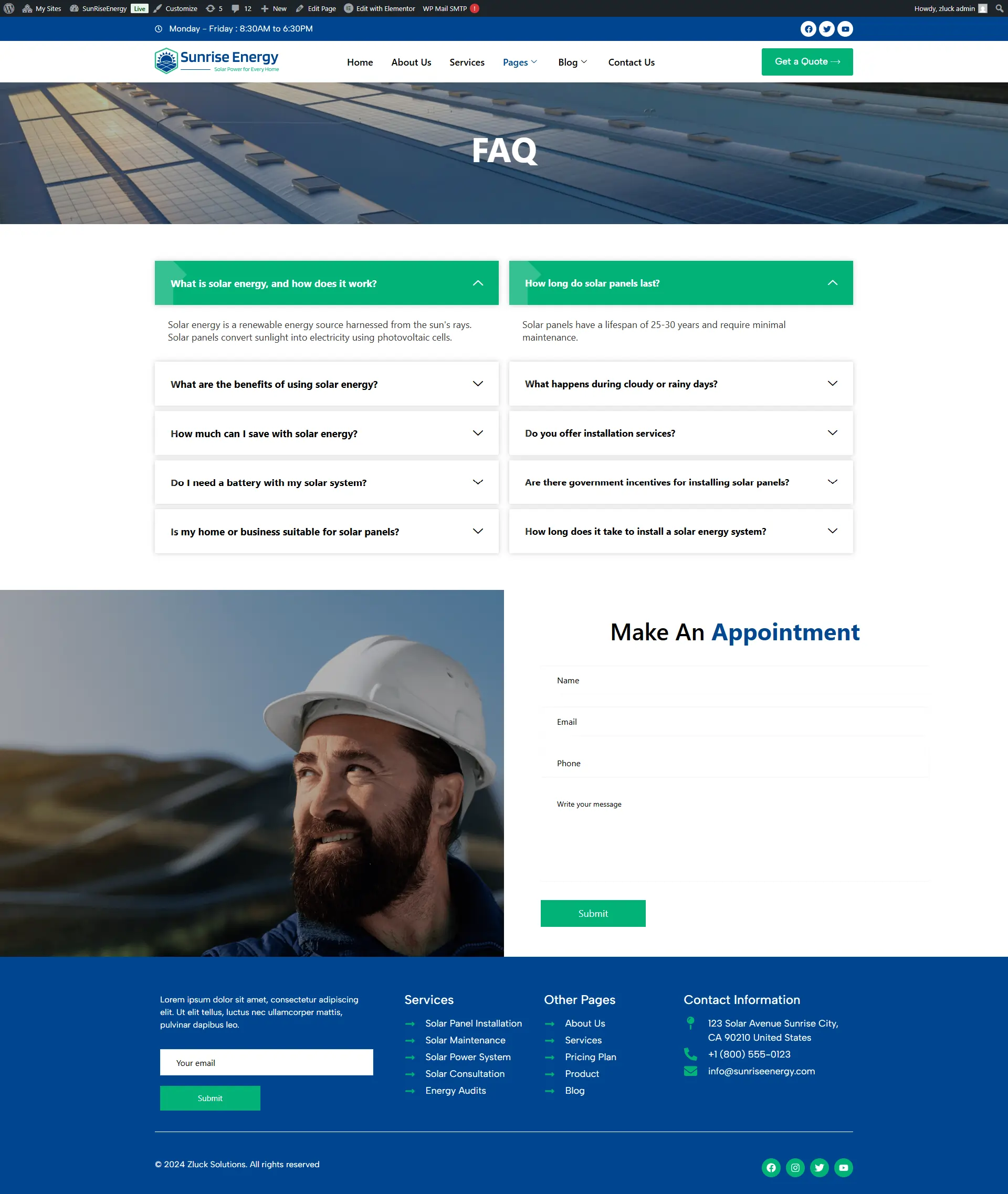
FAQ
-
Global Header & Footer
Required Plugins
- Elementor (Free)
- WooCommerce
- ElementsKit Lite
- Elementor Pro upgrade is required for some templates and features (not included).
How to Import a Template Kit
- Download your main zip folder – unzip this primary folder and you will find folders for the following: Documentation, Media, and OneClickImport.
- For the zip kit file within the main folder – Do not unzip (the zip is titled “elementor-kit.zip“)
- Go to WordPress Dashboard – Elementor -Tools – Import / Export Kit
- Click Import a Template Kit
- Drag and drop the included site kit zip file to import
- Select the plugins you want to import (you will need an Elementor Pro license) – Click Next
- Select which parts you want to apply – for a full site import make sure everything is checked. Click Import
If you have Elementor Pro, headers and footers may be customized under Theme Builder.
For further support, go to Elementor Get Help in WordPress menu.
Setup Global Header and Footer in ElementsKit
- Import the header and footer template
- Go to ElementsKit Header Footer and click Add New (if prompted with a wizard, you may click Next through it without taking any action)
- Title the header, leave Entire Site selected and toggle Activation to On
- Click the gray Edit Content button to load the builder
- Click the gray folder icon and select the header template to import, select your menu in the nav element and click Update.
- Repeat for Footer
This Template Kit uses demo images. You will need to replace those images before using on production!
I hope you enjoy Thanks!
You must be logged in to post a review.




Reviews
There are no reviews yet.